


“uReport has become an essential tool for our department. It streamlines communication and enhances transparency.”
Pat Rhode
Chief of Police, Lyndhurst Police Department, Lyndhurst Ohio

Create community updates, public safety reports, event recaps, and department news in minutes with templates, review controls, and easy publishing so your team can communicate clearly and consistently.
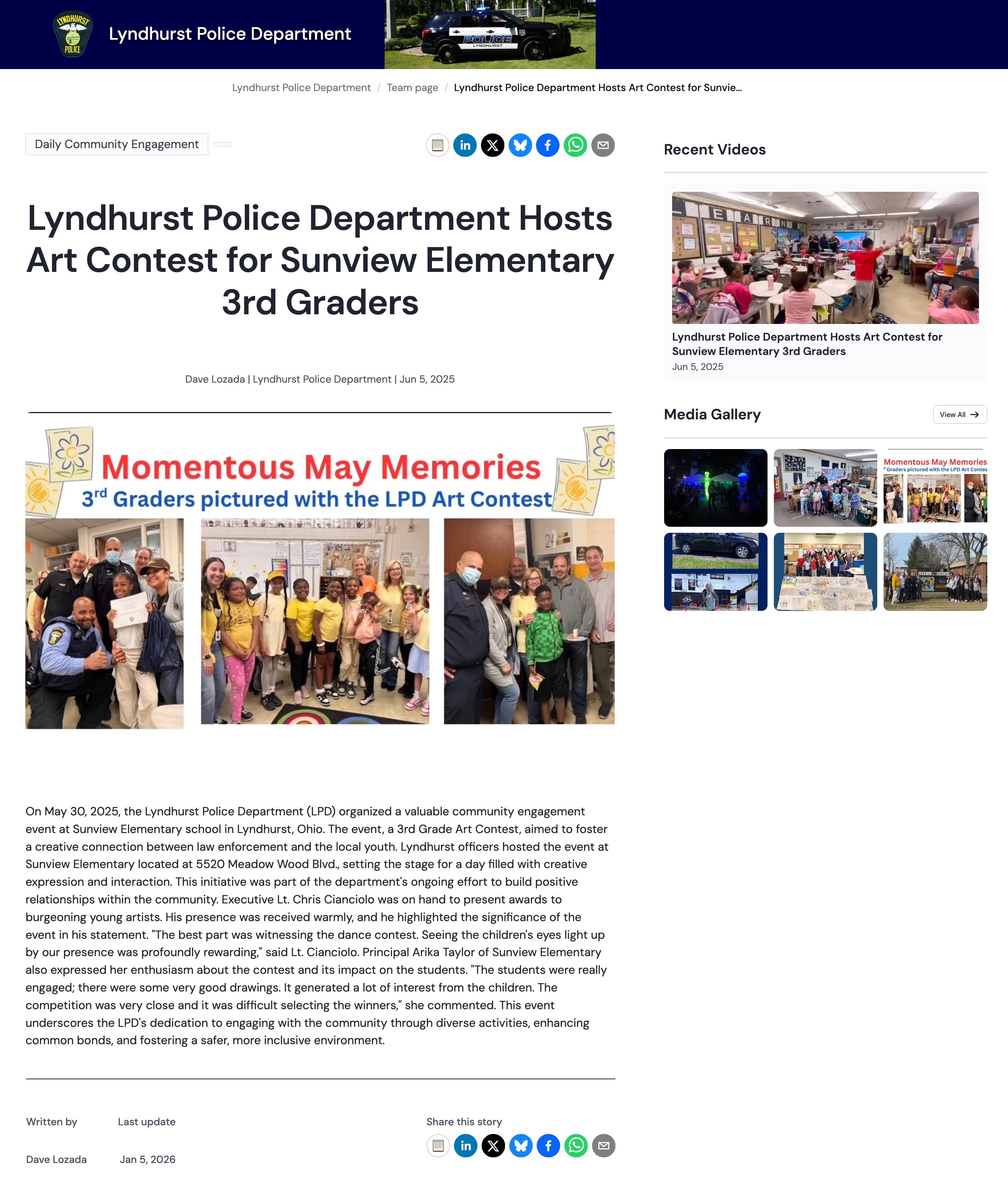
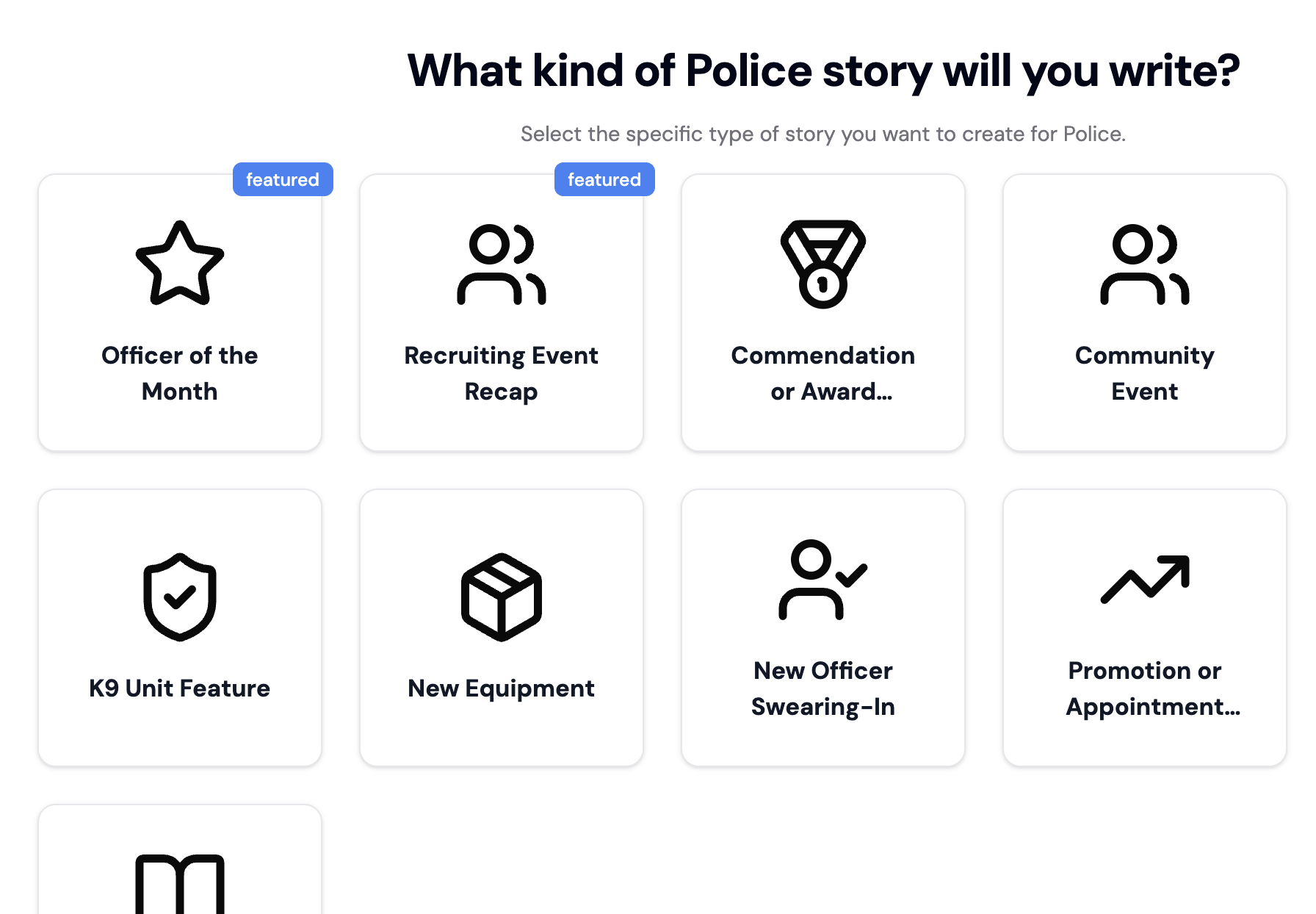
Choose a story type that fits what you need to publish, including community updates, safety announcements, event recaps, and department news.
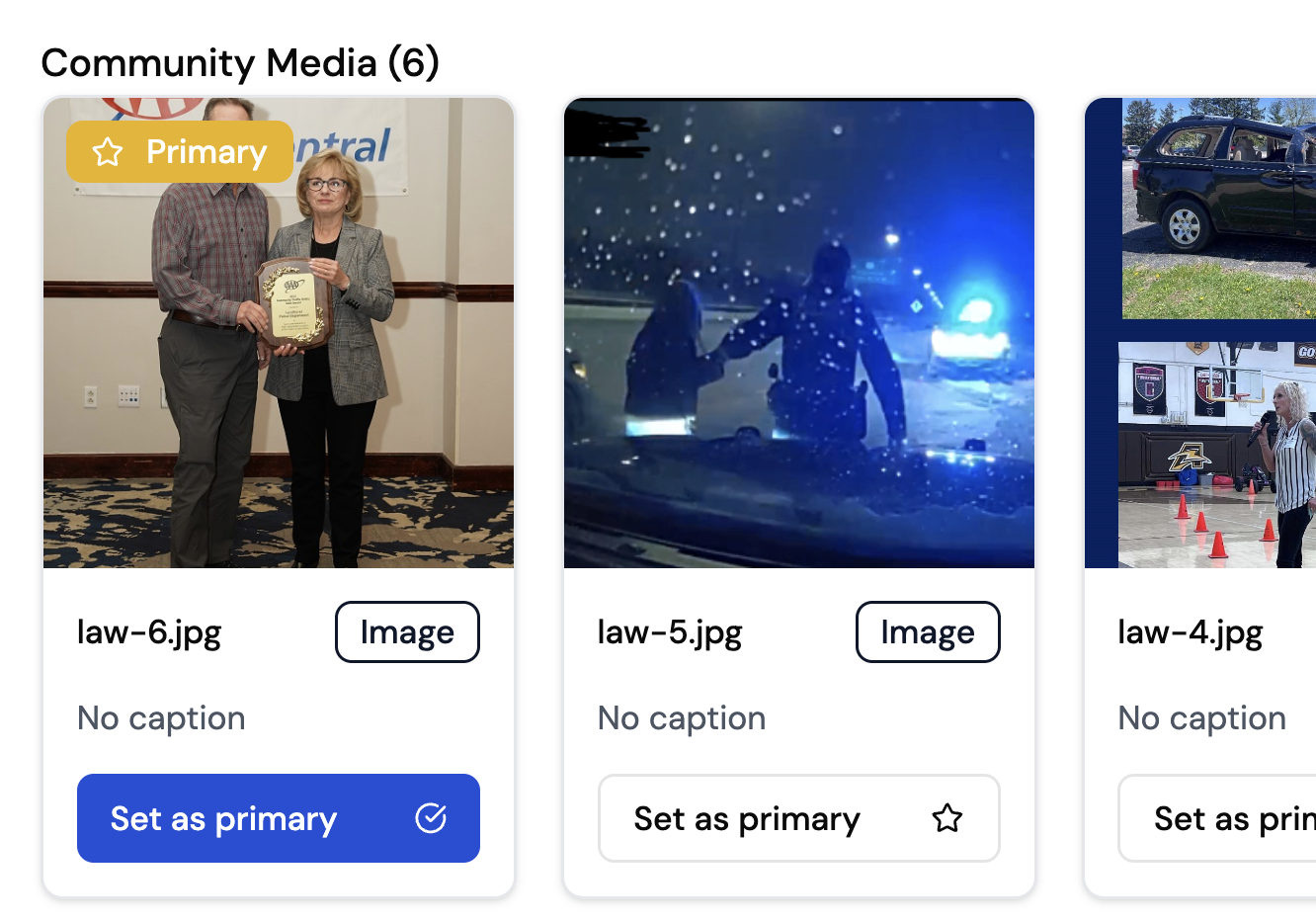
Add key details, photos, and videos. You can also collect community-submitted media in one place, so your team is not starting from scratch each time.
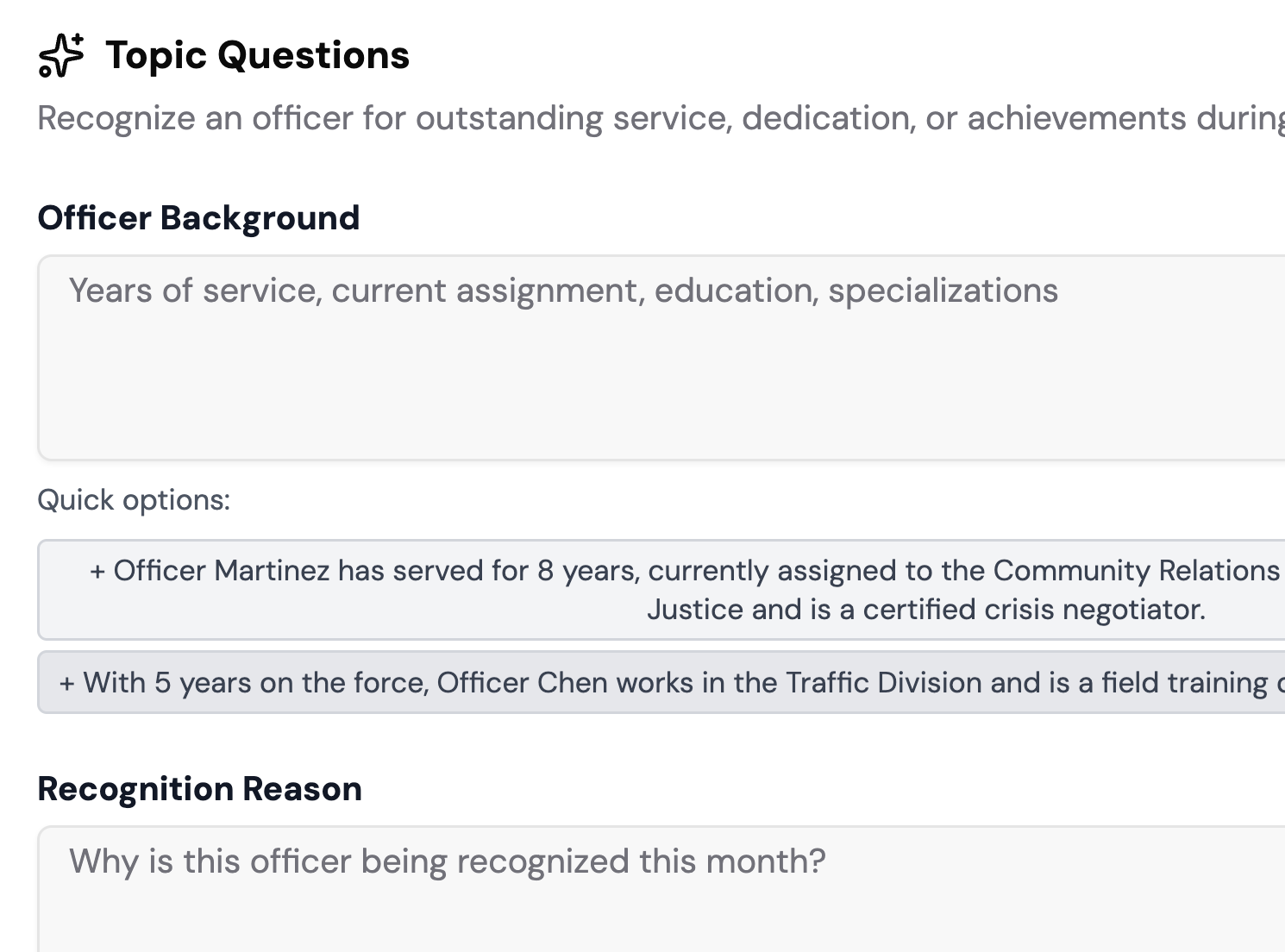
Use AI to help structure the story, improve clarity, and reduce repetitive formatting while keeping your department’s voice intact.
Keep feedback in one place and move stories through clear review and approval steps before anything is published.
Publish your story, then share it across channels in one click. Everything is formatted and ready to inform your community.
Built to help departments communicate clearly with speed, consistency, and control.
Start with guided templates built for department communication, including safety updates, announcements, community stories, and event recaps.
Roles, review steps, and approvals ensure the right people sign off before anything goes live.
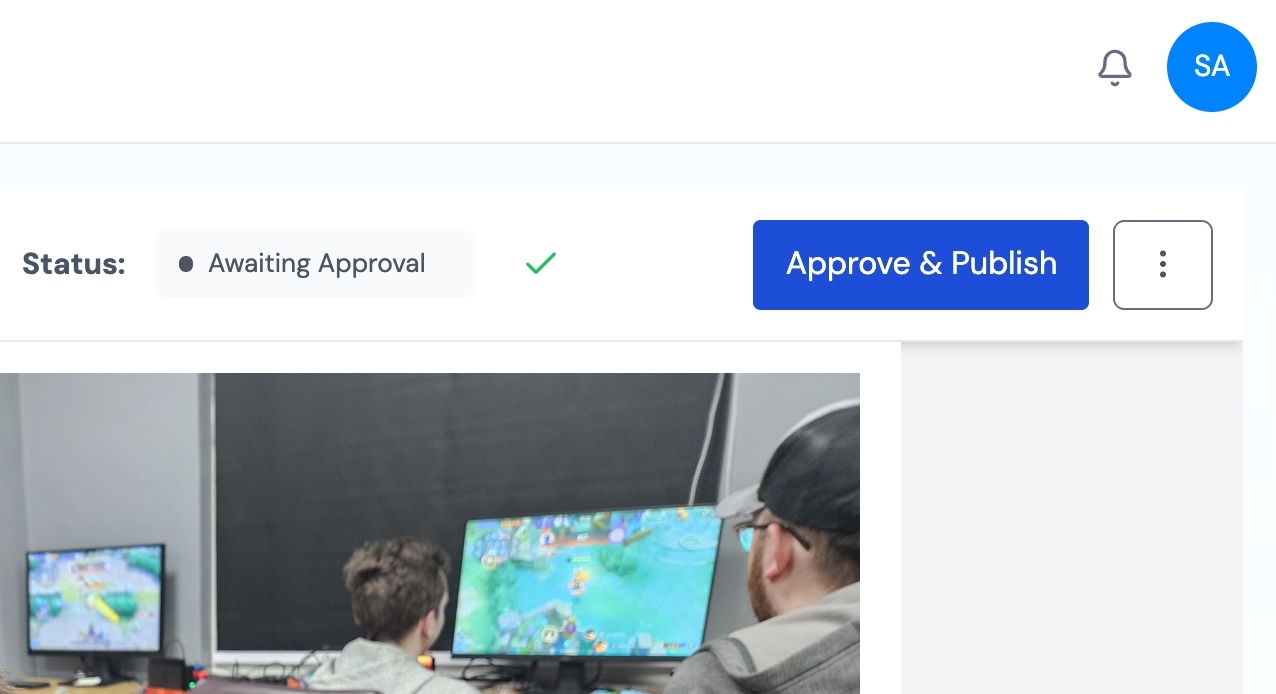
Collect and organize photos from events and outreach efforts, then review everything before it is used.
Host your story and share it across channels without copying, pasting, or reformatting.
.jpg)
“uReport has become an essential tool for our department. It streamlines communication and enhances transparency.”
The features departments use most to create, review, and publish community updates.
Guided templates built for real-world storytelling from idea to finished story, fast.
Collect and organize photos and videos from your community with full review control.
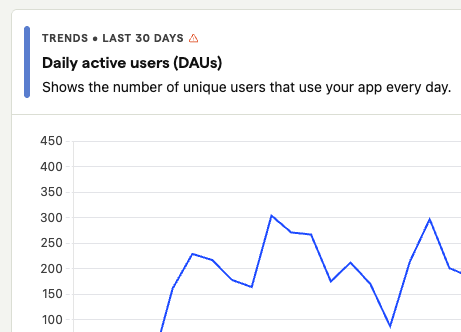
Understand how stories perform, where engagement comes from, and what resonates most at a glance.
Let AI assist with structure, clarity, and formatting while you keep your voice and control.
Built-in guardrails to ensure every story reflects your organization’s voice, visuals, and standards.

Keep reviews in one place and move stories forward with clear ownership and fewer bottlenecks.
Clear roles and approvals so stories publish securely and nothing goes live by mistake.
Publish your story, then share across channels — without copying, pasting, or reformatting.
Start with a template, collect media, route it through review, then publish and share all in one workflow.
uReport is now listed in the ISTE Learning Technology Directory - a vetted resource used by educators to identify high-quality digital learning tools. ISTE (International Society for Transformation in Education) is a leading global organization that sets the standard for effective use of technology in education.


Start your free trial and see how uReport helps law enforcement departments move from idea to published story with speed, consistency, and control.

Law enforcement agencies use uReport to publish community updates, safety announcements, event recaps, and department news. Templates and guided workflows help officers and communications staff publish professional stories consistently, without relying on a dedicated media team.
Yes. uReport supports configurable review and approval steps so department leadership or PIOs can approve every story before it goes live.
Yes. Role-based access lets multiple team members contribute while leadership retains control over what is reviewed and published.
Yes. Community Media lets your team collect photos and videos from community events and outreach efforts. Everything is reviewed before it is used in a story.
No. AI assists with structure, clarity, and formatting. It does not write for you. Your team provides the details; the platform helps shape it into a complete, professional story.
Yes. Once a story is published, you can share it to social media, your agency website, and email in one click, formatted and ready to go.
Yes. Templates and brand consistency controls help ensure every story follows your department’s standards and messaging.
Yes. Analytics help your team see engagement trends and understand what content resonates with your community.